USB cables may look simple, but they are not all the same. Different USB cable types support different devices, charging speeds, data transfer speeds and features. Choosing the wrong cable can lead to slow charging, failed data transfer, unstable connections or accessories that do not work properly.
For customers, the confusing part is that many cables look almost identical from the outside. A USB-C cable, for example, can be used only for basic charging, but another USB-C cable may support fast charging, high-speed data transfer, video output or USB4 performance. Clear specifications matter.
Why USB cable types matter
The connector shape is only one part of the story. USB-A, USB-C, Micro-USB and USB-B all have different use cases, but the internal cable specification is just as important. A cable can have the right connector and still not support the speed or power your device needs.
This is especially important with modern devices. Phones, tablets, laptops, docking stations, external SSDs, monitors and chargers may all use USB, but they do not all require the same cable.
Common USB cable types
USB-C is now the most common connector for modern phones, tablets, laptops, chargers and accessories. It is reversible, compact and can support charging, data transfer and video output depending on the cable and device.
USB-A is the classic rectangular USB connector. It is still used on many PCs, chargers, keyboards, USB sticks and older accessories. USB-A can still be useful, but it does not offer the same modern power and feature support as USB-C.
Micro-USB is mostly found on older phones, power banks, controllers, cameras and smaller accessories. It is still common in older devices, but it is slowly being replaced by USB-C.
USB-B is often used on printers, audio equipment and older professional devices. It is less common for everyday charging, but still important for specific hardware.
Not every USB-C cable is the same
USB-C can be confusing because the connector shape does not automatically tell you what the cable supports. Some USB-C cables are made only for basic charging and USB 2.0 data transfer. Others support 5Gbps, 10Gbps, 20Gbps or USB4 40Gbps speeds.
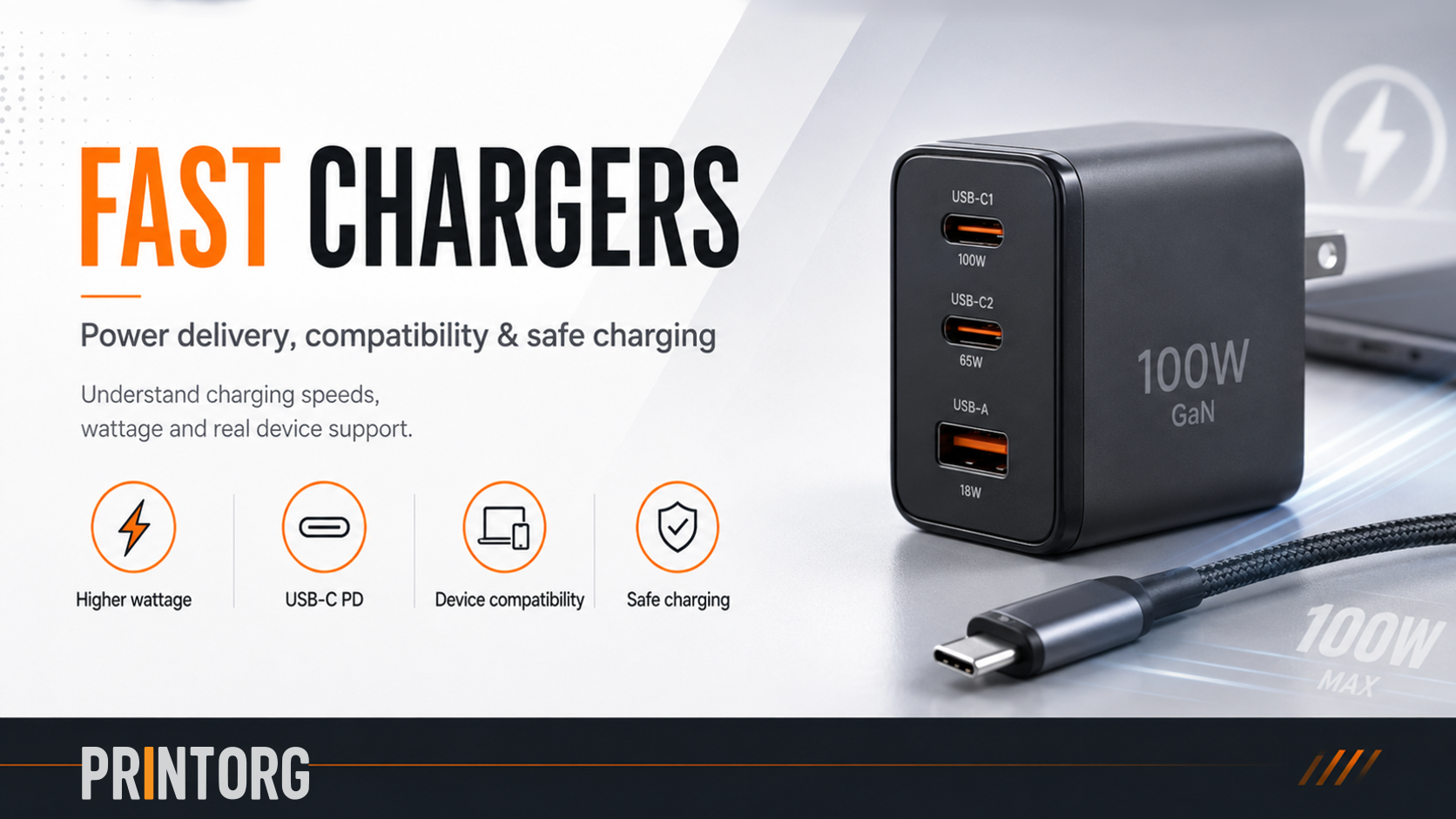
The same applies to power. Some cables support 60W charging, while others support 100W or 240W with USB Power Delivery. Higher-power cables usually need proper internal wiring and an E-marker chip so devices can safely negotiate the correct charging level.
This means that a USB-C cable for a phone may not be the right cable for a laptop, external SSD, monitor or docking station.
Charging speed and data speed are different
One of the biggest misunderstandings is that a fast-charging cable is automatically a fast data cable. That is not always true. A cable can support 100W charging but only USB 2.0 data speed. Another cable can support high-speed data transfer but may have a lower charging rating.
For this reason, good product information should clearly show both the power rating and the data speed. Customers should be able to see whether a cable is meant for charging, data transfer, video output or all of those features.
Choosing the right cable for your device
For everyday phone charging, a reliable USB-C charging cable with clear wattage information is usually enough. For laptops, a 100W or 240W USB-C Power Delivery cable may be a better choice. For external SSDs, docking stations and video output, data speed and feature support become much more important.
A USB4 or Thunderbolt-compatible cable is usually the best choice for premium docks, fast external storage, displays and professional setups. These cables are designed for higher bandwidth and more demanding use cases.
The best cable is not always the most expensive one. The best cable is the one that clearly matches the device and the task.
Clear labelling prevents confusion
A good USB cable should be easy to understand before the customer buys it. Clear labelling helps prevent frustration and wrong purchases. Important specifications include connector type, cable length, charging wattage, data speed, E-marker support and compatibility.
For example, a cable marked as “USB-C 100W USB 2.0” is clearly a charging-focused cable. A cable marked as “USB-C 10Gbps 100W” is better suited for fast data transfer and charging. A cable marked as “USB4 40Gbps 240W” is positioned for high-performance docks, displays and professional devices.
Clear specs matter
USB cables are used every day, but the differences between them are often hidden. By explaining cable types, speeds and charging support clearly, customers can choose the right cable with confidence.
At Printorg, the goal is simple: no mystery cables, no vague “fast charging” claims and no confusing specifications. Just clear cable information, honest compatibility and practical solutions for everyday devices.